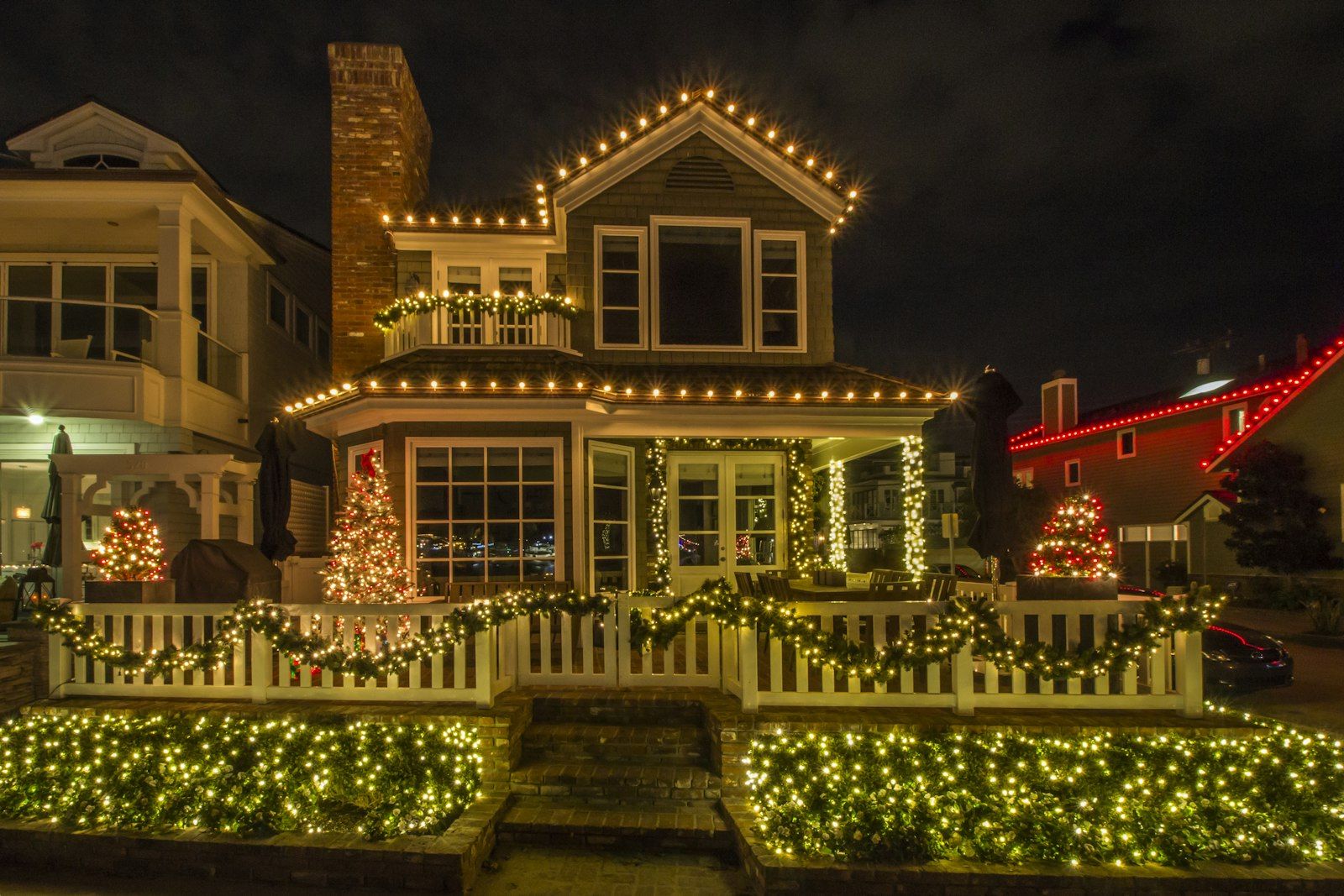
A plug-in timer turns your holiday lights on at dusk and off at bedtime, so you never have to remember. It takes about 10 minutes to set up, and it keeps lights from burning all night, which saves energy and money.
Quick answer: Plug the timer into an outlet, set the current day and time, program an ON time (such as 5:30 p.m.) and an OFF time (such as 10:30 p.m.), switch the timer to AUTO mode, then test it indoors before plugging in your lights.
Why use a timer for holiday lights
Lights left on all night use power for hours when nobody is looking. A timer cuts those hours automatically. Pairing a timer with LED strings makes the savings even bigger. The U.S. Department of Energy says LED holiday strands use 70 percent less energy than incandescent strands, and that lighting a 6-foot tree for 12 hours a day for 40 days costs about 27 cents with LEDs compared with about 10 dollars for incandescent lights (DOE). ENERGY STAR gives the same figure of about 70% less energy for its certified LED light strings (ENERGY STAR).
In California, many households pay more for electricity in the evening peak, which is often 4 to 9 p.m. on time-of-use plans. A timer lets you keep your display short during those hours or start it later.
What you need
- A plug-in timer. Use one rated for outdoor use if it will be outside.
- A digital timer if you want different schedules on different days, or a mechanical dial timer if one daily schedule is enough
- An outdoor-rated extension cord, if needed
- A GFCI-protected outlet for outdoor lights
- Your light strings, ideally LED
How to set a programmable timer for holiday lights
- Read the timer’s rating. Make sure the total wattage of your lights is below the timer’s maximum, and that it is labeled for outdoor use if it will sit outside.
- Set the clock. On most digital timers you hold a CLOCK button and press HOUR, MIN and DAY until the display shows the correct time and day. Check AM and PM carefully.
- Program the first ON time. Press PROG (or SET) until the screen shows ON 1. Use HOUR and MIN to choose a time, such as 5:30 p.m., and pick which days it applies to.
- Program the first OFF time. Press PROG again to reach OFF 1 and choose a time, such as 10:30 p.m.
- Add a second program if you want one. For example, set ON 2 and OFF 2 so lights stay on a little later on Friday and Saturday.
- Switch to AUTO mode. Many timers have ON, OFF and AUTO settings. Only AUTO follows your schedule.
- Test indoors. Set a temporary ON time two minutes from now, plug in a lamp or one strand, and watch it turn on. Then reset your real times.
- Plug in your lights outside, keep the timer off the ground and away from puddles, and point its outlets downward if possible.
Common mistakes to avoid
- AM/PM mix-ups. This is the most common reason lights turn on at the wrong time.
- Leaving the timer in ON or manual mode. It will work like a plain switch and ignore your schedule.
- Overloading one timer. Connecting too many incandescent strands can exceed the timer’s rating. LEDs draw far less power.
- Using an indoor timer outside. Rain and dew can damage it and create a shock hazard.
Frequently asked questions
Digital or mechanical timer: which is better for holiday lights?
A mechanical dial timer is simple and repeats the same schedule every day. A digital timer lets you set different times for different days and many models have a backup battery that keeps time during short power outages. Some outdoor timers also have a light sensor that turns on at dusk.
Why won’t my light timer turn on at the right time?
Check the AM/PM setting, make sure the clock shows the correct day, and confirm the timer is in AUTO mode. If the display is scrambled, many digital timers have a reset button that clears all settings so you can start over.
How many hours should holiday lights be on?
There is no rule, but a few evening hours, such as dusk to 10 or 11 p.m., is common. Fewer hours means less energy, so a shorter schedule saves the most.
Do LED holiday lights really save money?
Yes. DOE says LED strands use about 70 percent less energy than incandescent strands. They also last longer and stay cooler.
See your energy savings
Holiday lighting is a small part of a home’s energy use, but small habits add up. Try our free Home Energy Simulator to see how lighting, appliances and heating compare in your household.
Related guides
- How to Use a Free Weather App to Time Your Energy Use
- How to Switch to Rechargeable Batteries for Your Gadget Drawer
- How to Wrap Gifts Reusably with Furoshiki Cloth
Sources
- U.S. Department of Energy, How Do Holiday Lights Work?
- ENERGY STAR, Light Strings
Written and reviewed by the Accessible Sustainability Alliance editorial team. Last updated October 5, 2026.